Free Beginner's Course

Start Forex the Right Way

A clear, step-by-step beginner's guide to forex trading — from candlestick basics to installing MT5 and running the Heistfx Turbo Pro Expert Advisor. No jargon. No fluff.

The Course

6 Lessons. Everything You Need to Begin.

01

What is Forex?

Forex (FX) is the global market where currencies are traded in pairs — for example EUR/USD or GBP/JPY. When you buy a pair, you profit if the first currency strengthens against the second. It is the largest financial market in the world, open 24 hours a day, 5 days a week.

  • Trades happen in pairs (Base / Quote)
  • Market is open Monday 00:00 to Friday 23:59 (server time)
  • You can profit whether the market goes up or down
02

Pips, Lots & Leverage

A pip is the smallest standard price movement (usually the 4th decimal). A standard lot is 100,000 units of the base currency; mini lot 10,000; micro lot 1,000. Leverage (e.g. 1:500) lets you control a large position with small capital — it multiplies both profits AND losses.

  • 1 pip on EUR/USD with 1 lot ≈ $10
  • Start with micro lots (0.01) while learning
  • Never risk more than 1–2% of your account per trade
03

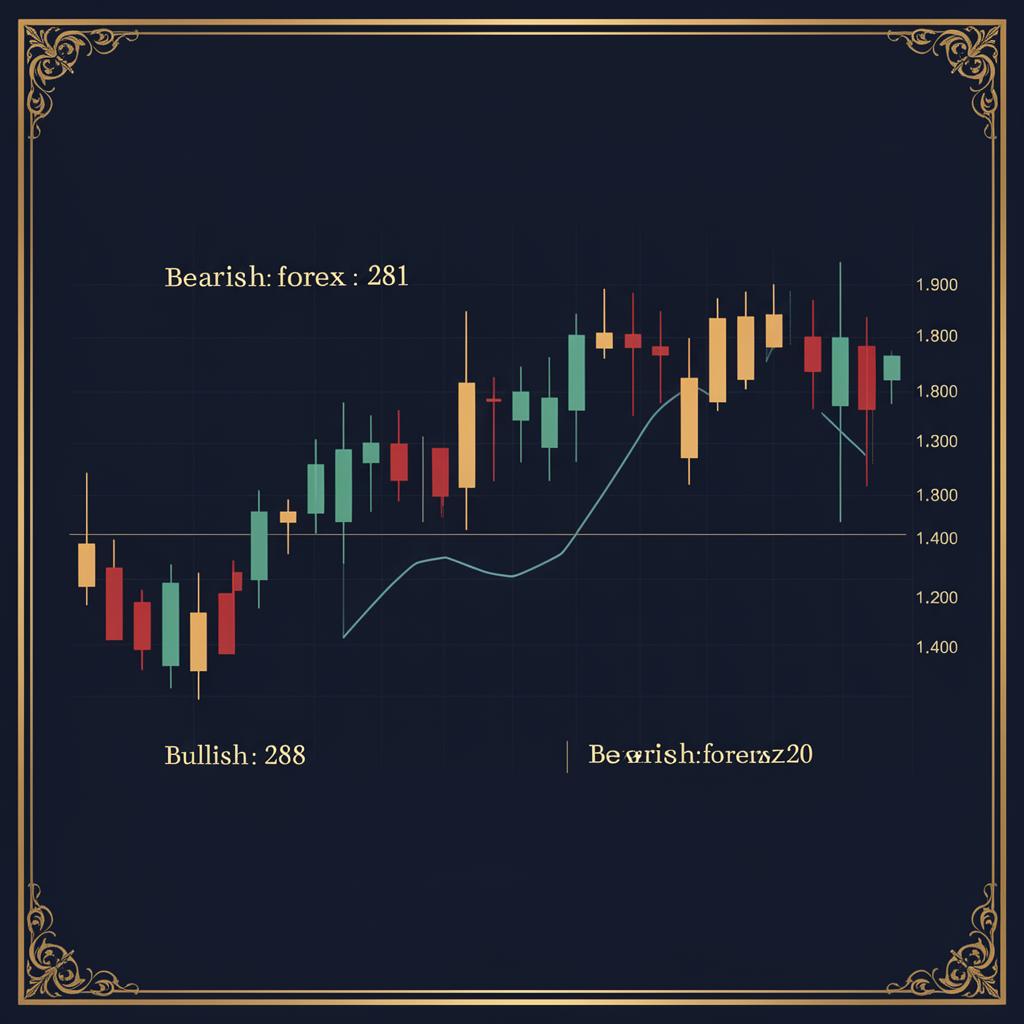
Reading Candlestick Charts

Each candle shows the Open, High, Low and Close for a time period. Green/bullish candles close higher than they opened. Red/bearish candles close lower. The thin lines (wicks) show the highest and lowest prices reached.

  • Body = open-to-close range
  • Wick = full high-to-low range
  • Common patterns: doji, hammer, engulfing
Reading Candlestick Charts chart reference
04

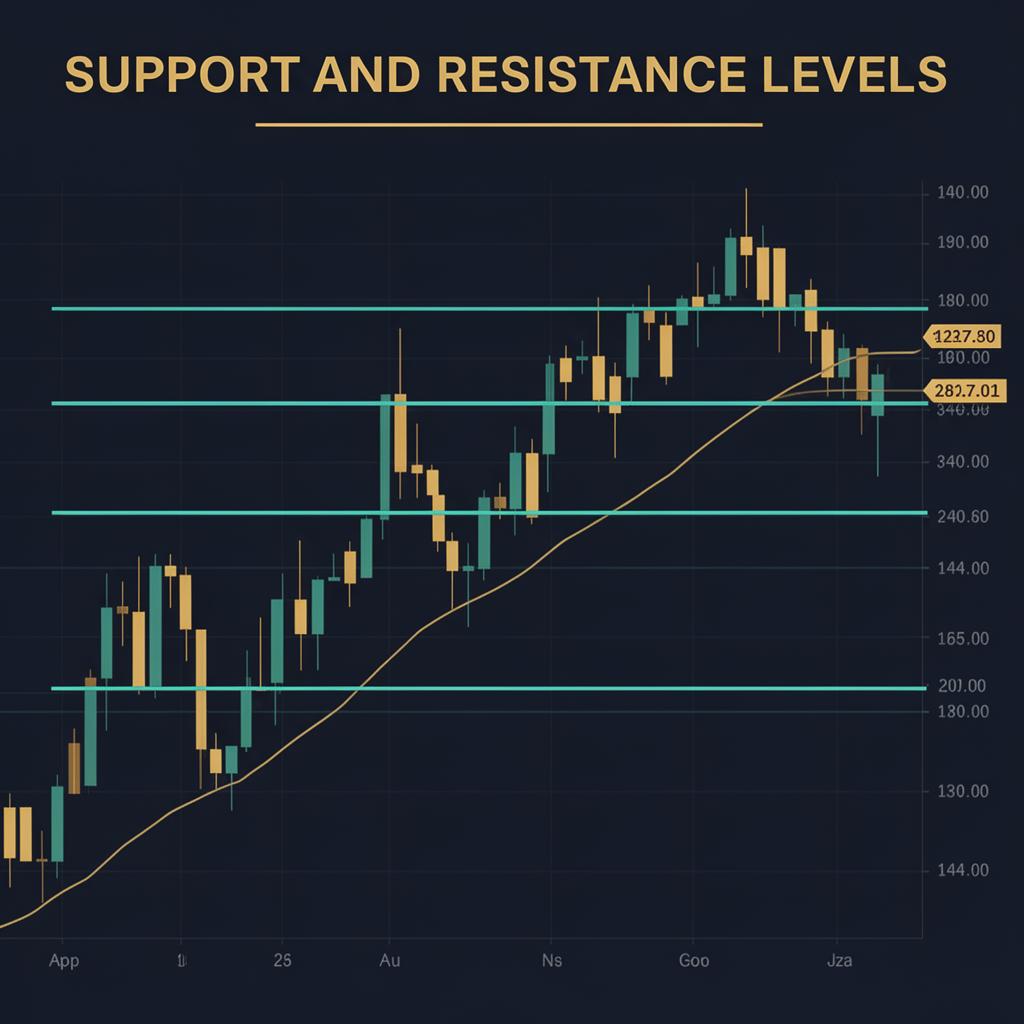
Support & Resistance

Support is a price level where buyers tend to step in and push price back up. Resistance is where sellers push price back down. These zones are the backbone of all technical analysis — every strategy uses them.

  • Draw horizontal lines on previous swing highs / lows
  • Old resistance often becomes new support (and vice-versa)
  • The more times a level is tested, the more important it is
Support & Resistance chart reference
05

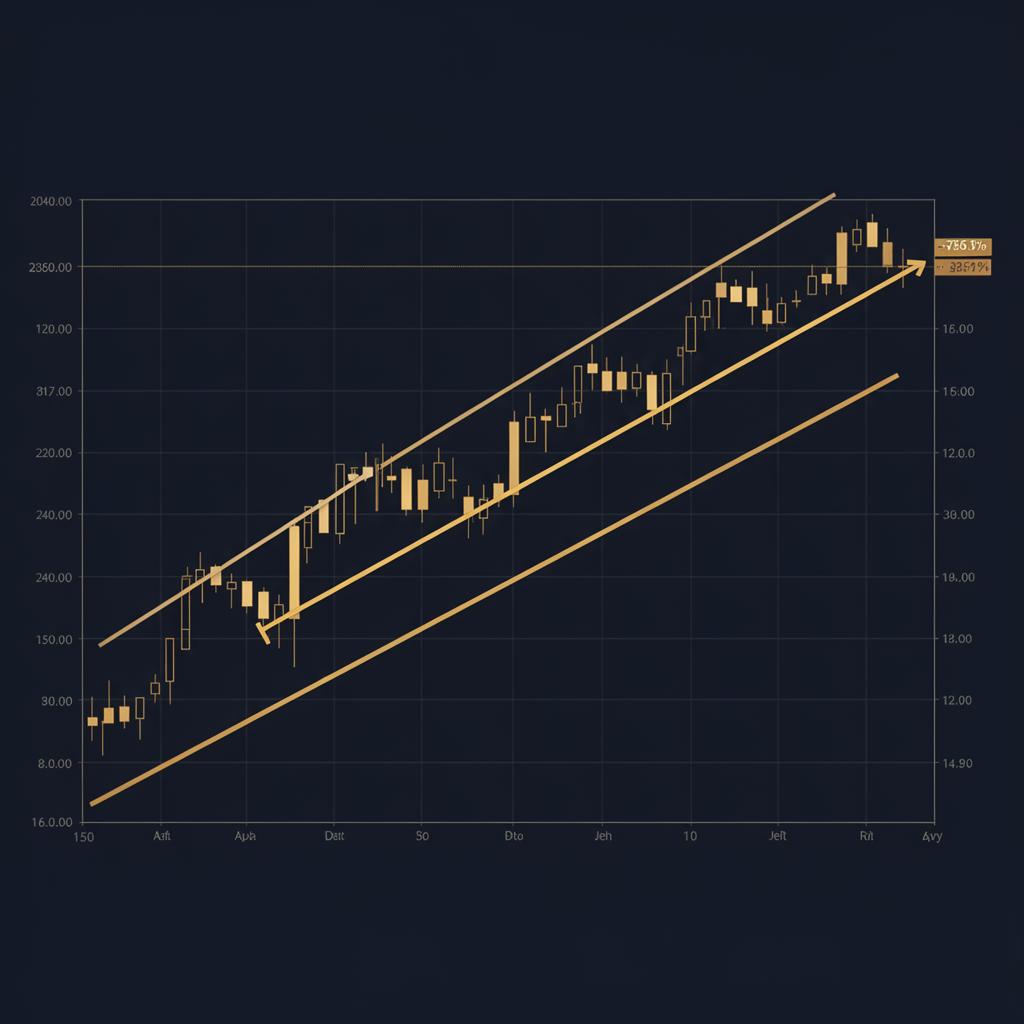
Trend Lines & Market Structure

Markets move in trends — higher highs and higher lows (uptrend) or lower highs and lower lows (downtrend). Drawing a trend line along these swing points helps you stay on the right side of the move. The trend is your friend, until it bends.

  • Always trade in the direction of the higher-timeframe trend
  • Wait for pullbacks instead of chasing price
  • A broken trend line often signals a reversal
Trend Lines & Market Structure chart reference
06

Risk Management — The Golden Rule

More traders fail from poor risk management than from bad strategies. Always set a stop loss before entering a trade. Aim for a Reward-to-Risk Ratio of at least 1.5:1 — meaning your target is at least 1.5× your stop distance.

  • Risk 1% of account per trade max
  • Stop loss is mandatory, not optional
  • Two losses in a row? Step away from the screen
Recommended Broker

Open Your MT5 Account with JustMarkets

You can't trade without a broker. JustMarkets is the broker we personally use and the one Heistfx Turbo Pro is tuned for. Opening through our link costs you nothing and helps support this free guide.

Open Free Account

⚠️ Trading is risky. Only deposit what you can afford to lose.

  • Fully compatible with Heistfx Turbo Pro EA
  • Spreads from 0.0 pips — perfect for scalping
  • M-Pesa deposits & withdrawals (Kenya)
  • Leverage up to 1:3000
  • Regulated & trusted worldwide
  • Fast 24/7 customer support
Automated Trading Setup

Install MT5 & Load Your Expert Advisor

Six clear steps to go from zero to a fully automated trading station running Heistfx Turbo Pro.

1

Download MT5 for PC

Go to the official MetaTrader 5 download page or your broker's site and download the Windows installer. On Mac, use the broker-provided Mac build or run the Windows version via Wine / Parallels.

Download MT5 (official)
2

Install & Launch

Run the installer, accept the licence and let it finish. When MT5 opens it will ask you to log in to a trading account.

3

Open a Broker Account

We recommend JustMarkets — it's fully compatible with Heistfx Turbo Pro, supports M-Pesa deposits/withdrawals and offers high leverage. Open a real or demo MT5 account and copy your login, password and server name.

Open JustMarkets account
4

Sign In to MT5

In MT5 click File → Login to Trade Account. Enter the login (number), password and select your broker's server from the drop-down. You should see your balance appear in the bottom 'Trade' tab.

5

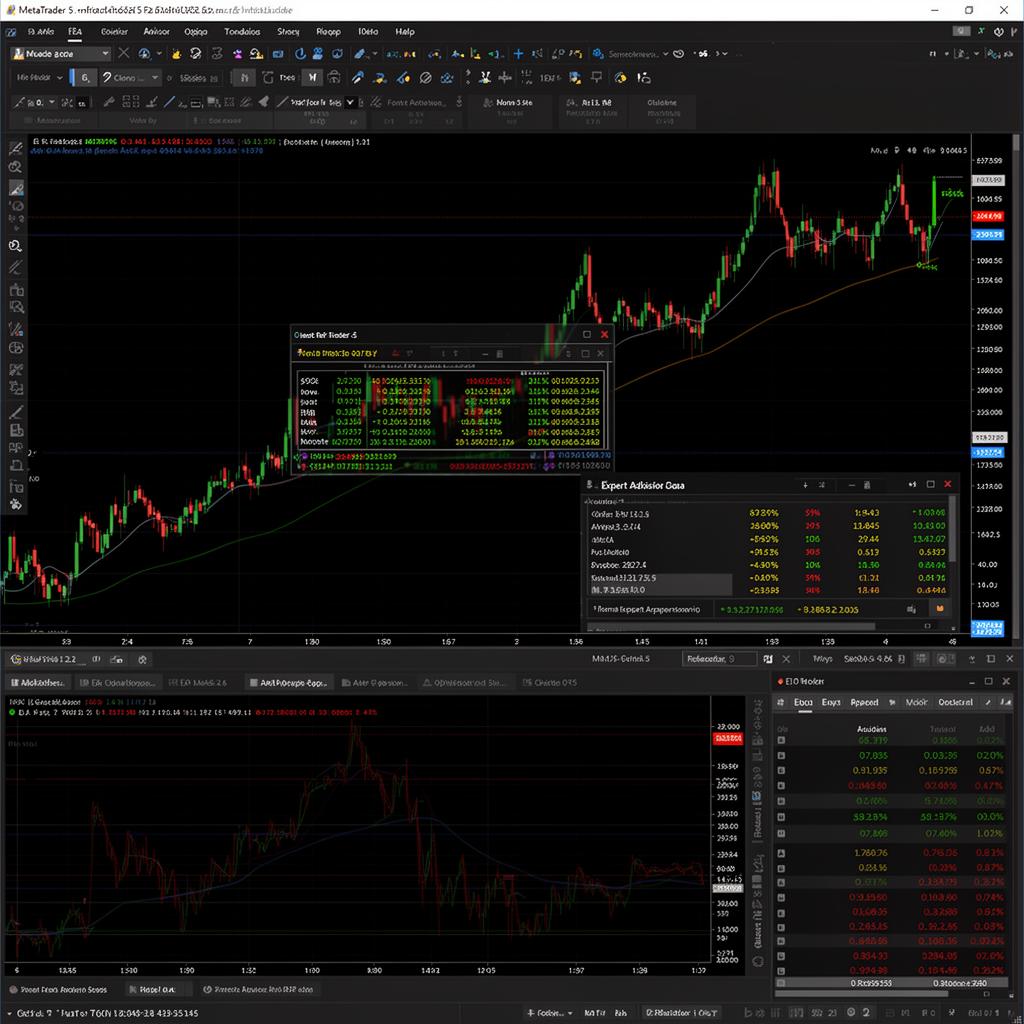
Load the Expert Advisor (EA)

Copy the Heistfx Turbo Pro .ex5 file into MQL5 → Experts via File → Open Data Folder. Restart MT5. In the Navigator panel under 'Expert Advisors' drag the EA onto your chart. Tick 'Allow Algo Trading' and confirm the smiley face is enabled in the top-right of the chart.

Load the Expert Advisor (EA)
6

Let It Run 24/5

Keep your PC on (or use a VPS) so MT5 stays online while the market is open. The EA will manage entries, stop losses and take profits automatically — your job is to let it work and monitor performance.

Want us to do it for you?

Get a Heistfx Turbo Pro licence and we'll guide you through MT5 setup, broker sign-up and EA installation on a 1-on-1 call.

See Pricing
Watch & Learn

Hand-Picked Videos to Get You Started

Two videos we personally recommend every beginner watches before risking a single dollar.

Forex Trading for Beginners — Full Course

Start here. A complete beginner walkthrough of how forex works, terminology and your first trade.

Watch on YouTube

How to Install MT5 & Connect Your Broker

Step-by-step: download MetaTrader 5, install on PC, sign in with your broker credentials and place your first order.

Watch on YouTube
Go Deeper

YouTube Channels Worth Following

When you're ready to level up, subscribe to these channels for daily lessons, trade ideas and mindset content.

Ready to Trade Smarter?

Skip months of trial and error. Let Heistfx Turbo Pro execute proven strategies for you 24/5 while you focus on growing your account.

Read our Risk Disclaimer before trading.